
Tag Archive for: automation

Stack of task cards on the left flowing into a calendar grid on the right, with one task card placed on each consecutive day, illustrating sequential daily task distribution

I have some pretty good systems for capturing action items; maybe they are too good. Pair that with the fact that no matter how solid my weekly review feels, it’s easy to skip the next one. Pretty quickly, the inputs outpace the outputs, and like the second page of Google search results, there are corners of my Things database I haven’t seen in quite some time.

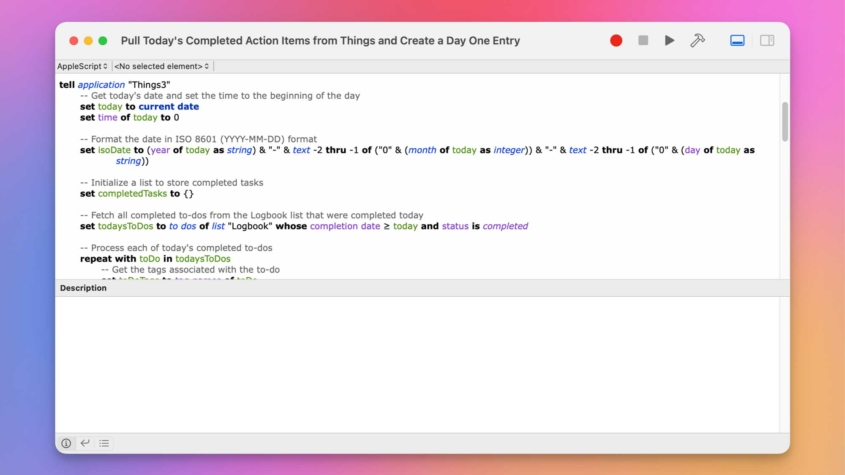
To address those quiet corners, I’ve spent time working on an automation that puts tasks in front of me every day. While Claude and Gemini both helped me refine this script, what I’m sharing with you today is straight AppleScript; there is no AI required to run it.

So strap in and let me show you my latest creation.

Read more

A wooden table filled with fresh ingredients, including leafy greens, asparagus, green beans, chives, mushrooms, cherry tomatoes, and herbs. Small bowls contain cheese, cream, and an egg. Jars of spices and seeds labeled "Sunflower," "Pumpkin," and "Paprika" are placed nearby. A yellow squeeze bottle, a green apple, and kitchen utensils are also present, suggesting a cooking or meal preparation setting.

Growing up, I spent countless hours recording Good Eats episodes for my mom to use in her high school cooking classes. Beyond the science and humor, one concept from the show profoundly influenced my approach to work: mise en place, which is the practice of getting everything in place before you begin.

Read more
A macOS script editor window displays an AppleScript titled "Mark an Action Item as 'Waiting For'." The script automates task management in the Things 3 app by retrieving the current date, selecting to-dos, checking for selected tasks, and handling follow-ups. The code is color-coded, with keywords in blue, variables in green, and strings in purple. The interface includes standard toolbar icons and a description field at the bottom.

A major component of my job is asynchronously collaborating with other people, usually subject matter experts from whom I need to get additional information or content approval on something I have created.

All of my project templates have this approval process built in at the appropriate points. This creates a common challenge: the people I’m working with are often overworked or get appropriately distracted by dealing with some type of emergency at work, and reviewing a script for the trainer gets put on the back burner. So, tactful follow-up is a critical skill and often something I’m managing across multiple people and projects at the same time.

Read more
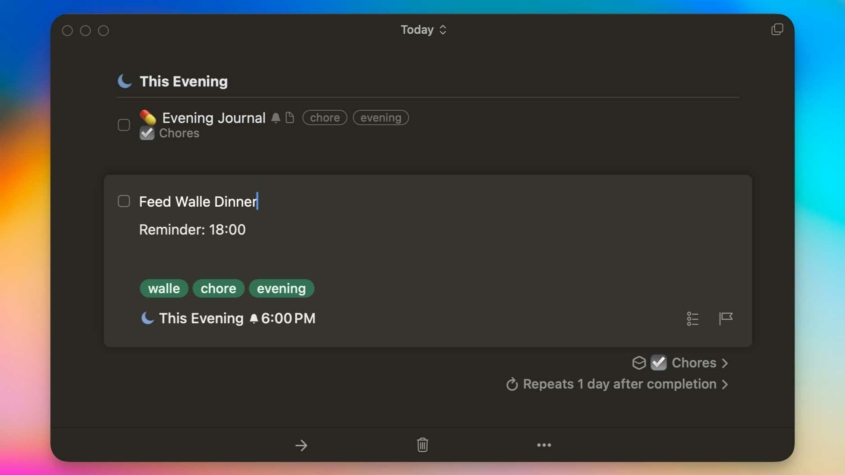
A task management app interface showing a to-do list titled "This Evening." One task is labeled "Feed Walle Dinner" with a reminder set for 18:00 (6:00 PM). The task has tags: "walle," "chore," and "evening." The task is part of the "Chores" group and repeats one day after completion. The background gradient transitions from orange to blue.

Improving existing solutions is a slippery slope for automators. You might improve things in a way that continues to save time and improve outcomes. But you might also be spending time rearranging apps in your Mac’s Dock to save milliseconds of mouse movement, only to realize you could have just used Alfred all along.

In this post, I share an improved automation for dealing with recurring tasks in Things that I think falls firmly on the side of worthwhile.

Read more
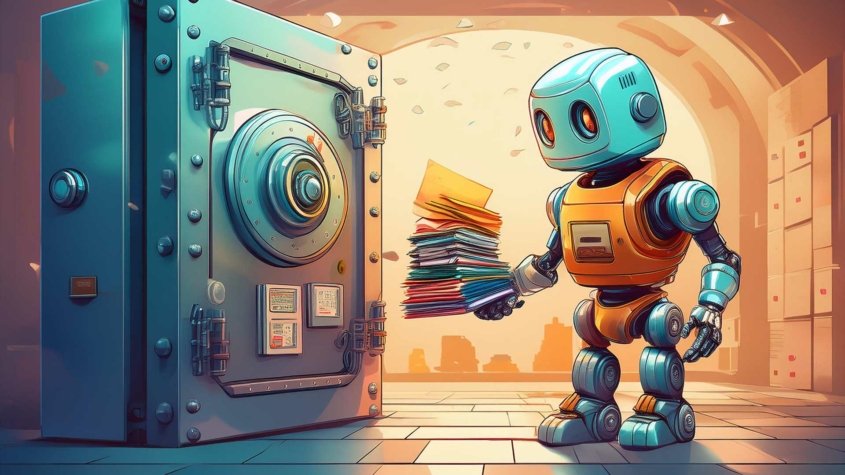
A stylized illustration of a cheerful robot holding a stack of colorful folders in front of a large, open vault door. The robot has a blue and orange metallic body with glowing eyes. The scene is set in a futuristic archive with warm lighting and stacks of documents in the background, suggesting secure storage or organization.

When I first started learning photography, I used Aperture as my photo editor and management solution. But I was too dumb to use it right and accidentally deleted the only copy of many photos from the first years of my son’s life. Since then, I have been diligent, borderline fanatical, about having backup copies of family media and important files.

Determined to never repeat that mistake, I explored various tools for creating better backups. One of the most versatile tools I found is rsync, built right into macOS.

Read more