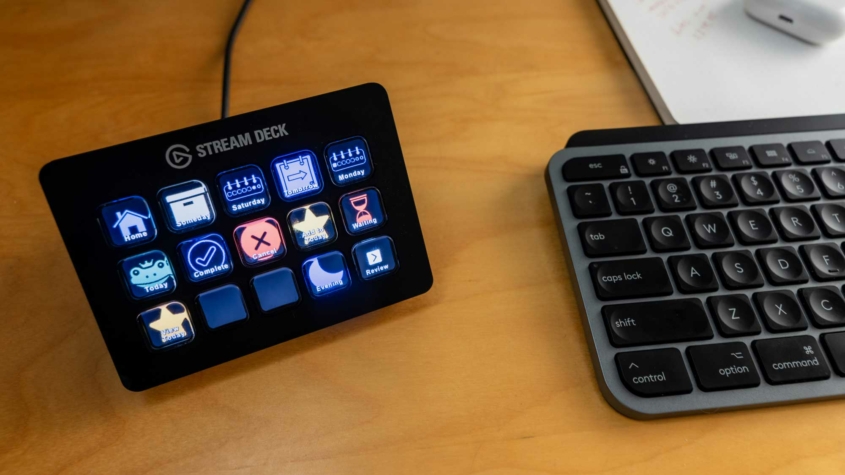
I made a YouTube video showing you how I am using a Stream Deck, along with some AppleScripts in Keyboard Maestro, to improve my control of Things. Check out the video and find all of the resources in this post.
Read more
I made a YouTube video showing you how I am using a Stream Deck, along with some AppleScripts in Keyboard Maestro, to improve my control of Things. Check out the video and find all of the resources in this post.
Read more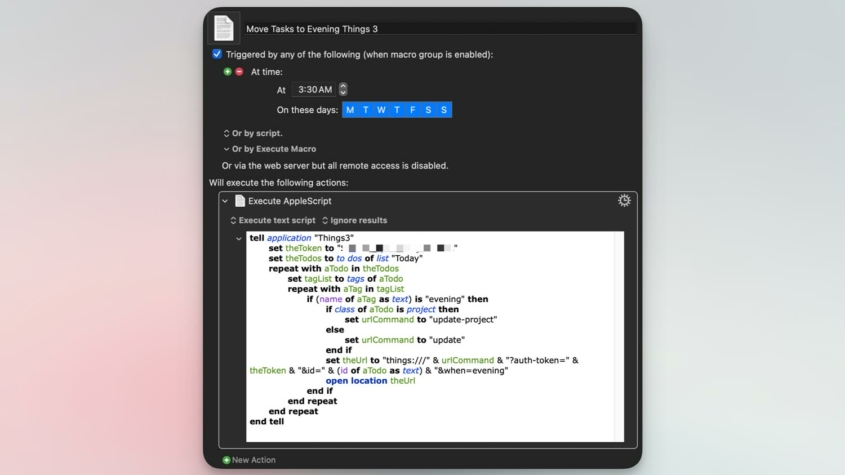
One of the most common issues I see fellow Things users complain about on the Things Sub-Reddit is the frustrating experience with repeating tasks and the evening section of the Today view.
I always forget that this is an issue for people because I automated a solution long ago. Let me show you how.
Read more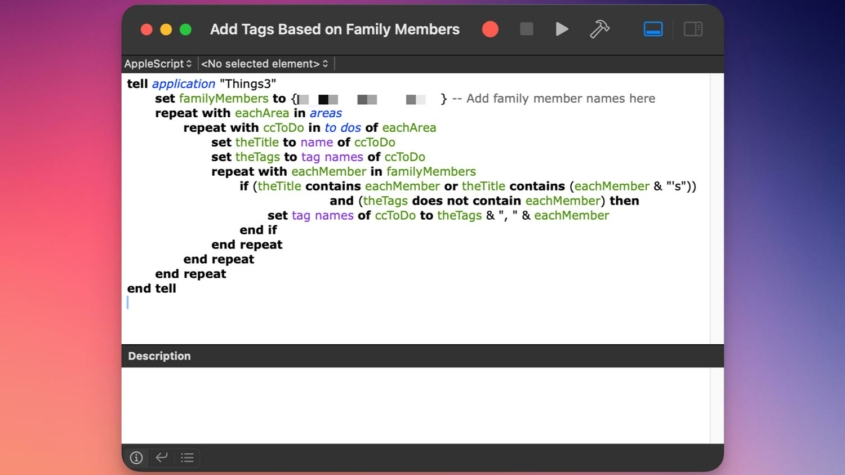
I shared a post on Mastodon about using ChatGPT to create small scripts to deal with the various friction points in my digital life. I put together a short post sharing the script I use to maintain my tags in Things.
Read more
I have been an avid Mac and iOS automator for a little more than five years. It has, and continues to be, a positive influence on my personal and professional life, as well as a fun hobby.
However, it can be a tricky world to navigate for novices. Coincidently, I got interested in automation just as The Automators podcast was getting started, so it felt like I was being shepherded by the hosts. If you have the time and inclination, I encourage you to check it out from episode one.
In lieu of that, here is an overview of the Mac automation technology I use every day. There are plenty of other valid combinations and tools out there, but this set of tech is irreplaceable for me.
Read more
If you work on a mac and you are trying to reduce the repetitive tasks in your life, improve the quality of your work, or just save time, Keyboard Maestro is the best $36 you can spend. But, it can be an intimidating app when you open it. Let me give you a head start!
This post has five one-step macros to get you started using Keyboard Maestro. You can build them yourself by watching the video or checking out the screenshots, or use the download buttons to get a copy of mine.
Read more